Guides
Change which link types count as dependencies
Choose the Jira link types that mean one work item has to be finished before another, for everyone in a space.
Visual Backlog treats some links as dependencies: links that mean one work item has to be finished before another. They decide what a work item is waiting on, what Backlog health reports, the waves of Dependencies mode, and which work is highlighted as a blocker. Other link types are still drawn, but do not count.
Unless a space says otherwise, the dependency link type is Jira’s Blocks. Change it if your team uses another, such as depends on.
Change the link types
You need to be an administrator of the space.
- At the right of the map, click the fourth icon, Settings.
- Open Dependency link types.
- Click the list and tick the link types that are dependencies for your space.
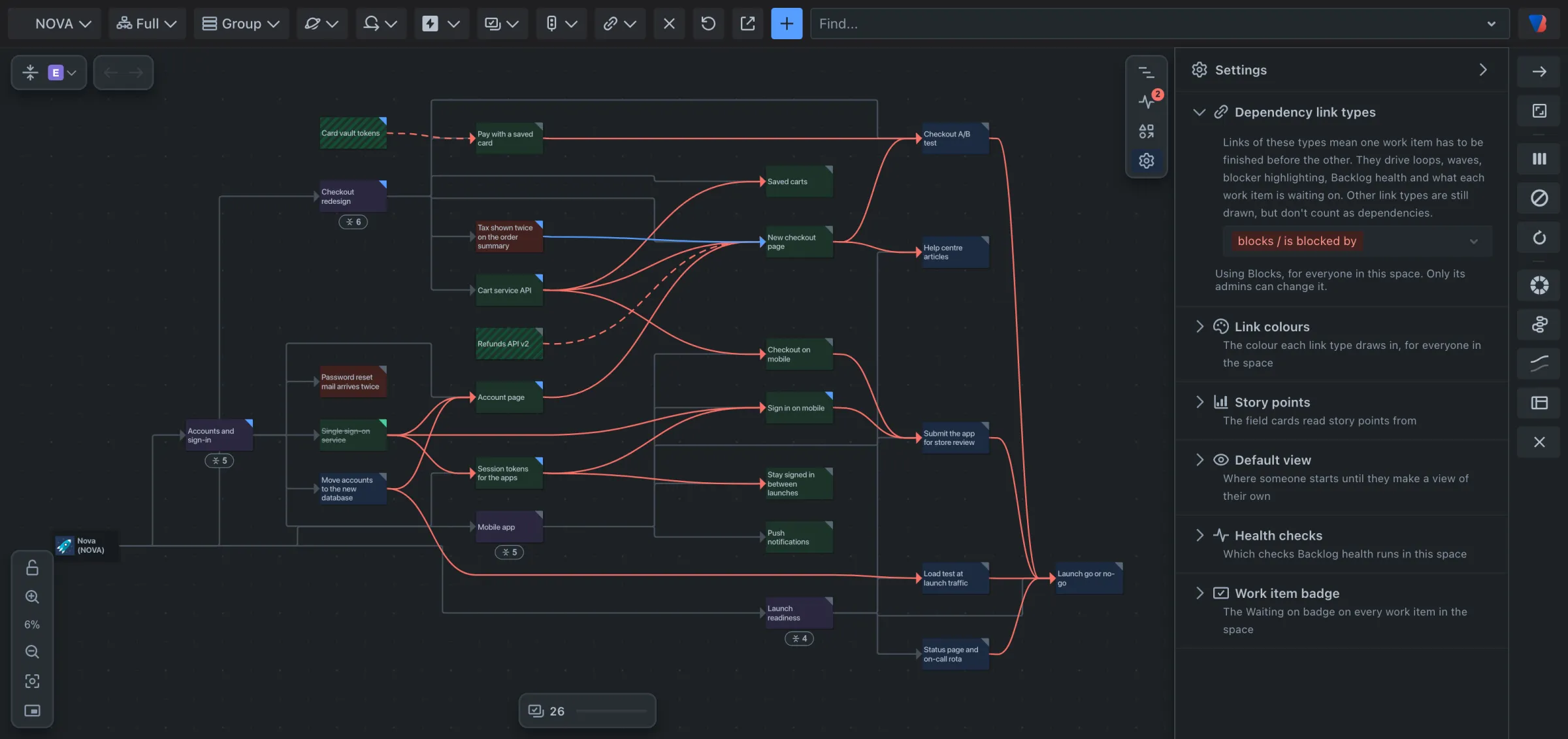
The choice applies to everyone in the space. The note under the list says who it applies to and who can change it.
Go back to Blocks
- Open Dependency link types in the Settings panel.
- Click Reset to Blocks.