Reference
Modes
The three modes of the map: Full, Dependencies and Parent. What each one draws and when to use it.
The mode decides which lines the map draws and how it is laid out. Change it from the mode menu, the second control in the toolbar.
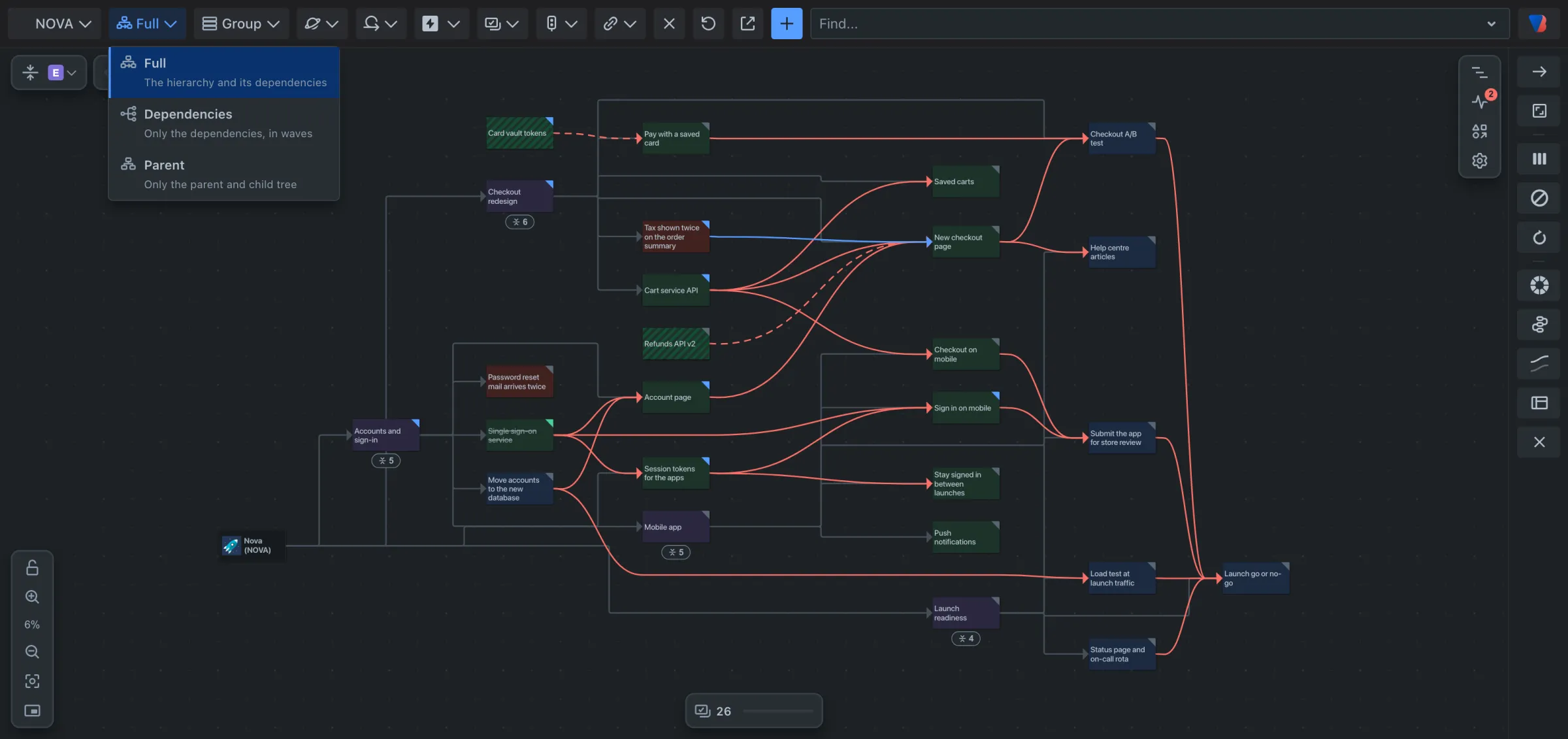
| Mode | The menu says | What is drawn | Use it to |
|---|---|---|---|
| Full | The hierarchy and its dependencies | Every work item under what it belongs to (space, epic, story), with grey lines for that hierarchy, plus every link. | See a space as a whole. This is the mode a map opens in. |
| Dependencies | Only the dependencies, in waves | Only work items joined by dependencies, laid out in waves: first what waits on nothing, then what that unblocks. No hierarchy lines. | See what can start now and what comes after. |
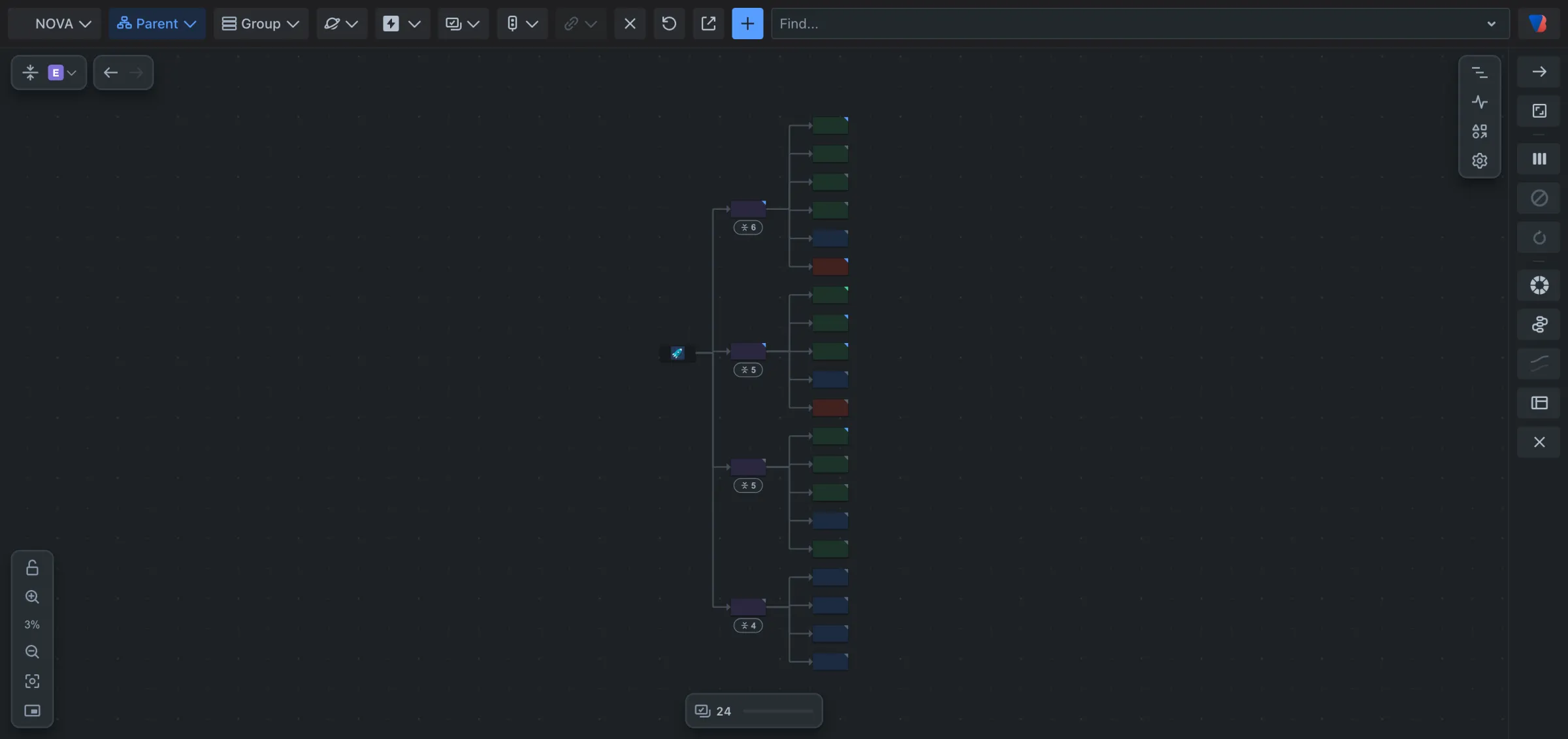
| Parent | Only the parent and child tree | The hierarchy only: space, epics, the work under them. No links. | Check how work is organised. |
Good to know
- Changing the mode is a step: Back returns to the mode you had.
- In Parent mode the link type filter and the layout settings that are about dependencies are switched off, because no links are drawn.
- Which links count as dependencies is set for each space. By default it is Jira’s Blocks link.
- Backlog health checks the same work in every mode. If a problem’s lines are not drawn in the current mode, it says so and offers to switch.