Guides
Fold a space to its epics
Collapse a large map to one level, such as epics, so a few cards stand for hundreds, then unfold the part you need.
A busy space can hold hundreds of work items. Folding collapses work into the level above it: a folded epic becomes one card that stands for everything inside it. The links of the work inside are still drawn, to that card, so no dependency disappears.
Fold everything to epics
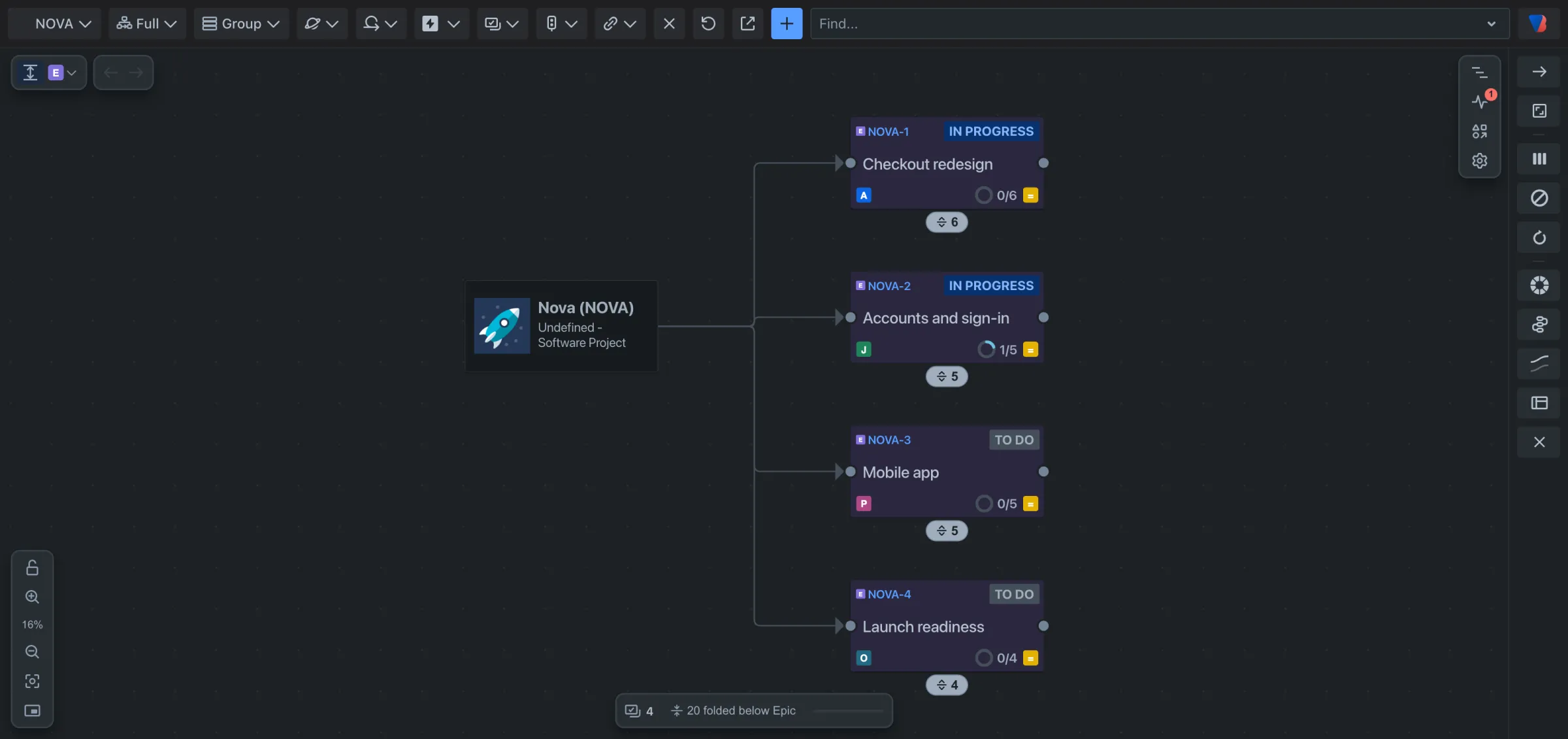
- At the top left of the map, click the fold button. Its tooltip reads Fold to Epic.
Each epic is now one card. The badge under it says how many work items are inside, and the count at the bottom of the map says how much is folded, for example 20 folded below Epic.
Choose another level
- Click the small arrow beside the fold button.
- Under Fold to level, pick a level. The list uses your own Jira work types, for example Initiative, Epic or Story.
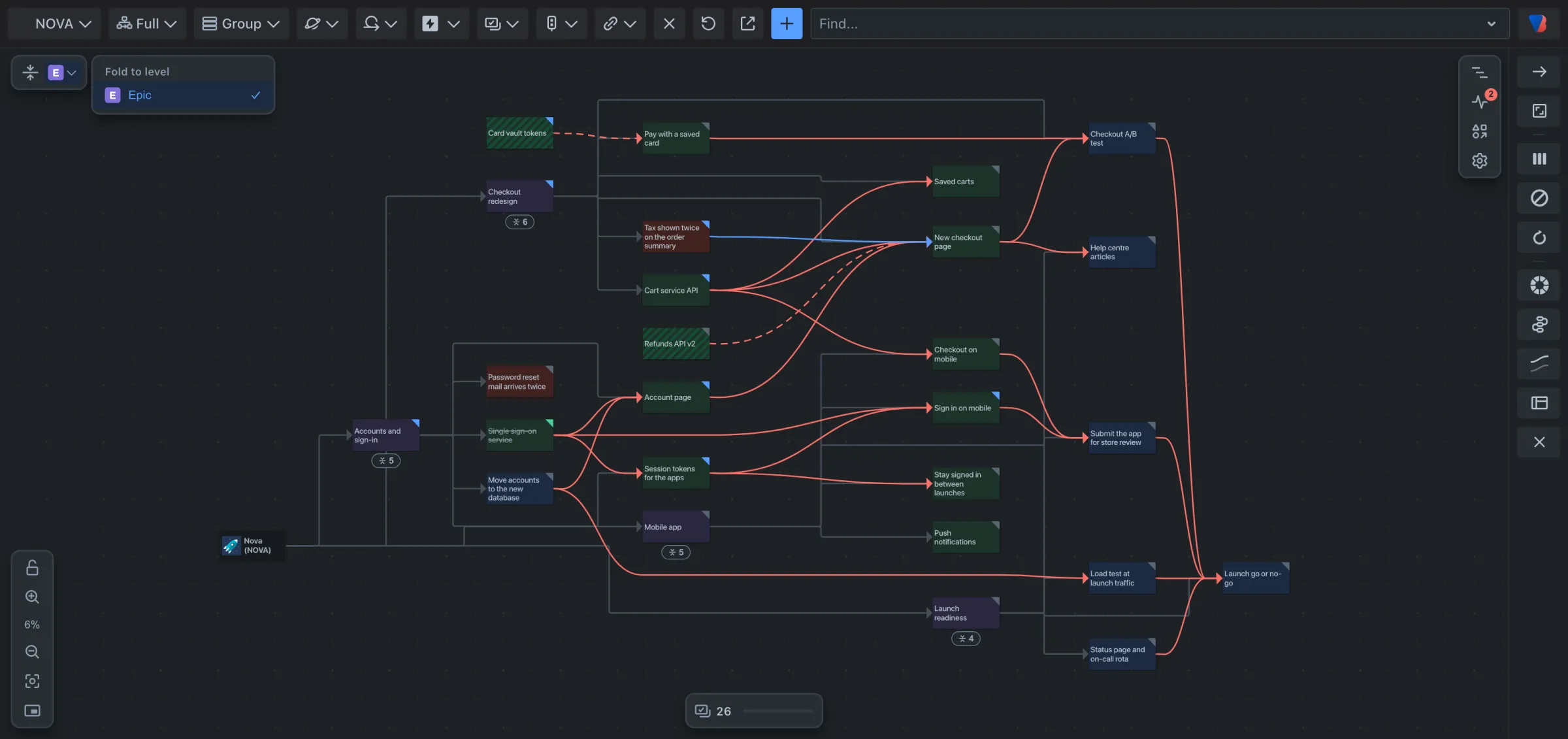
Visual Backlog remembers the level for each space.
Unfold one card
- Click the badge under a folded card. The work inside it is drawn, one level at a time.
- Click the badge again to fold it back.
Unfold everything
- Click the fold button again. Its tooltip now reads Unfold all.
Good to know
- A space with more than 150 work items opens folded to its epics the first time.
- A folded card still shows how much of the work inside it is done.
- If a folded card holds a problem that Backlog health found, the card turns red.
- Folding is not a filter: folded work is still loaded and still counted.