Settings for everyone in a space
Which links mean “blocked”, what colour each link is, where story points live: a space’s administrators now set these once, and everyone in the space sees the same map.
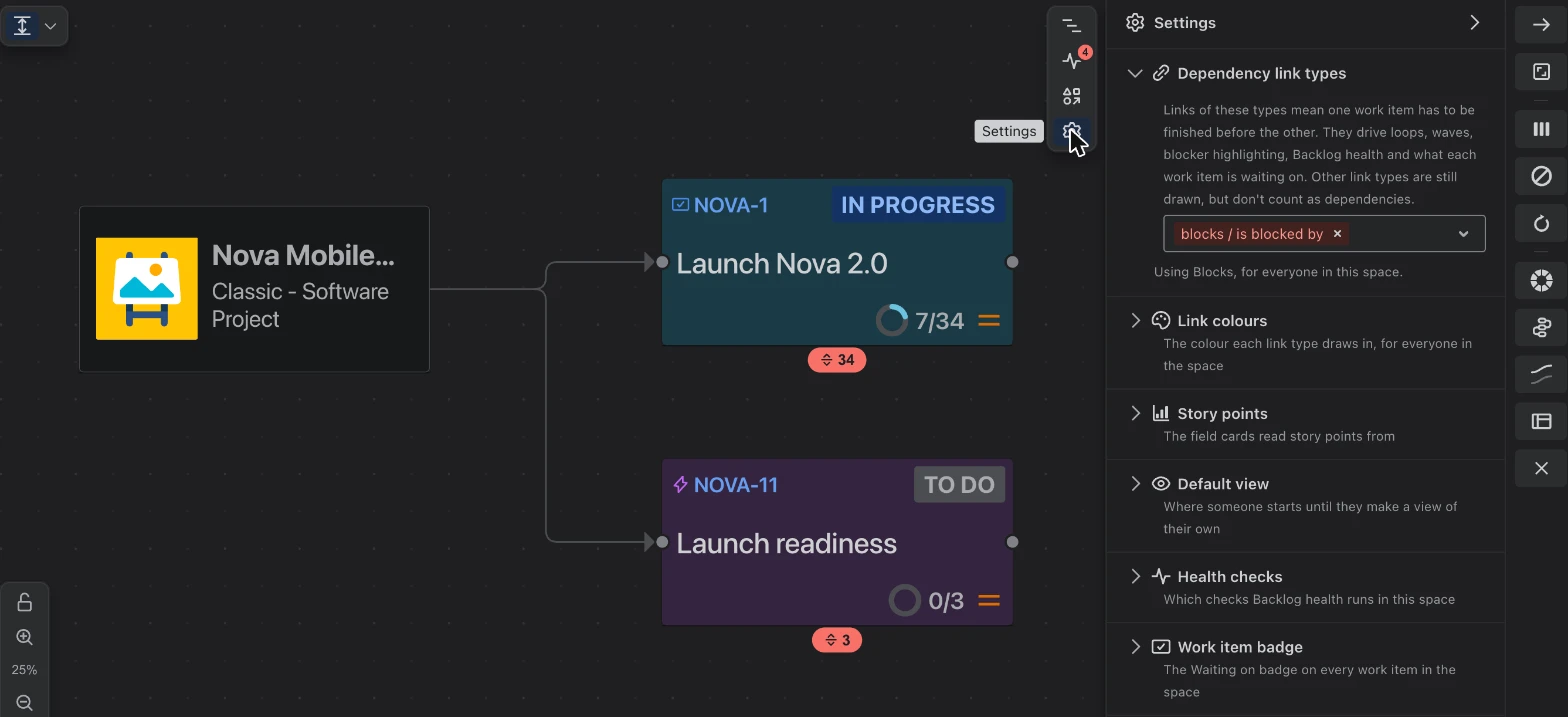
The Settings panel, next to the map.
Teams use Jira differently. One team says blocks, another made its own link type called depends on. One estimates in story points, another in a field of its own. If each person sets this up separately, people end up looking at different pictures of the same work.
Settings now belong to the space, so everyone in it sees the same map. The space’s administrators (and Jira administrators) can change them; everyone else can see what is set.
Where to find them
Open Settings from the icons at the right of the map.
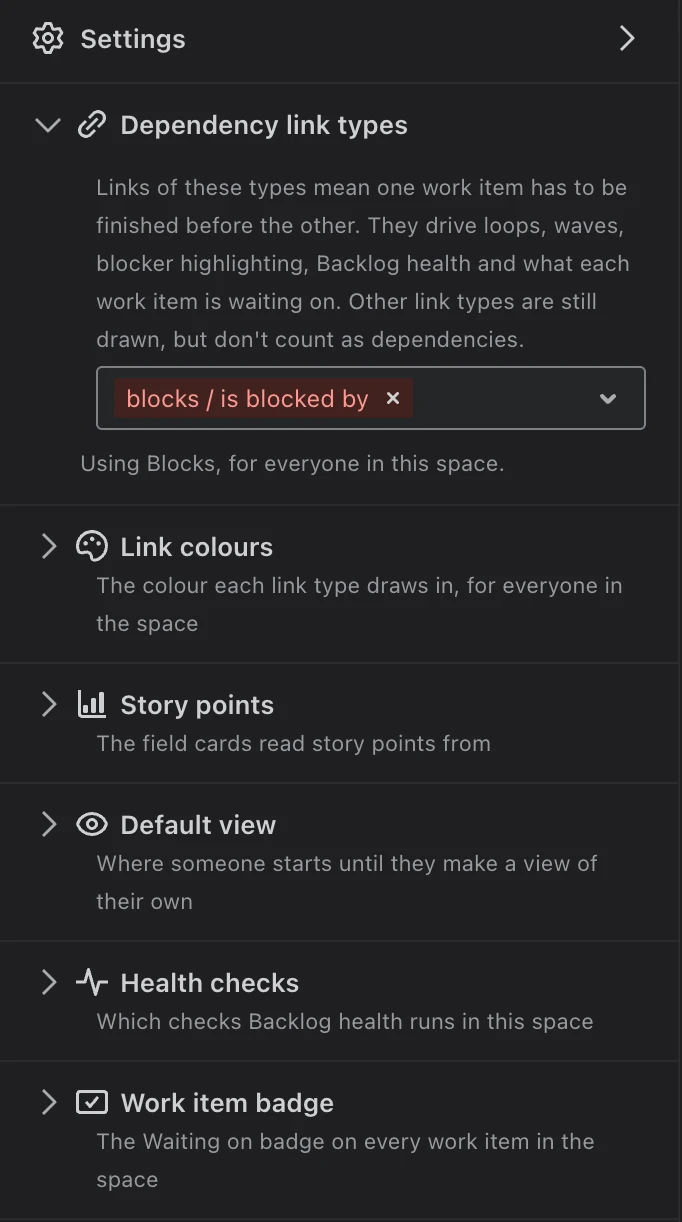
What you can set
- Dependency link types. Which of your link types mean this has to be finished before that. Most teams use Jira’s Blocks. Everything about dependencies in Visual Backlog follows this choice: what a work item is waiting on, circular dependencies, and the Waiting on label. Other link types are still drawn, they just do not count as dependencies.
- Link colours. The colour each link type is drawn in, so the important ones stand out.
- Story points. Which Jira field your team’s estimates are in.
- Default view. What someone sees when they first open Visual Backlog in this space.
- Health checks. Which checks Backlog health runs. For example, a team that links stories to their own epic on purpose can turn that check off.
- Work item badge. Whether every work item in the space shows the Waiting on label.
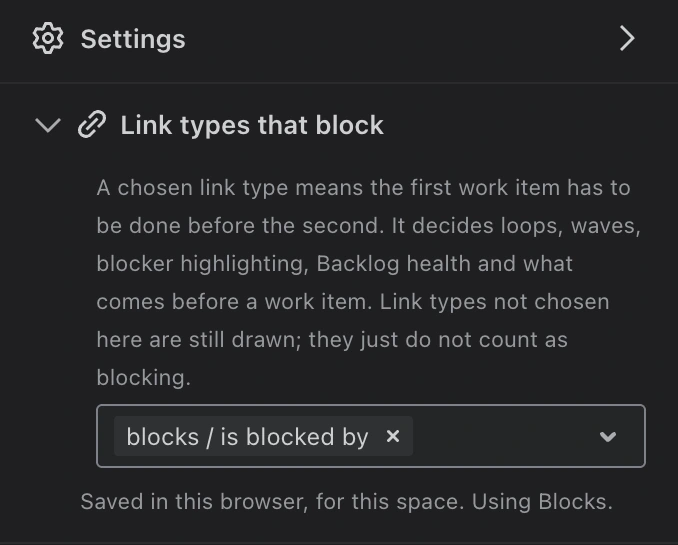
Every step, in the documentation: Change which link types count as dependencies, and every setting in the Panels reference.