See the big picture, then the details
A large space can hold hundreds of work items. Collapse them to the level you care about, such as epics, and still see how those pieces depend on each other.
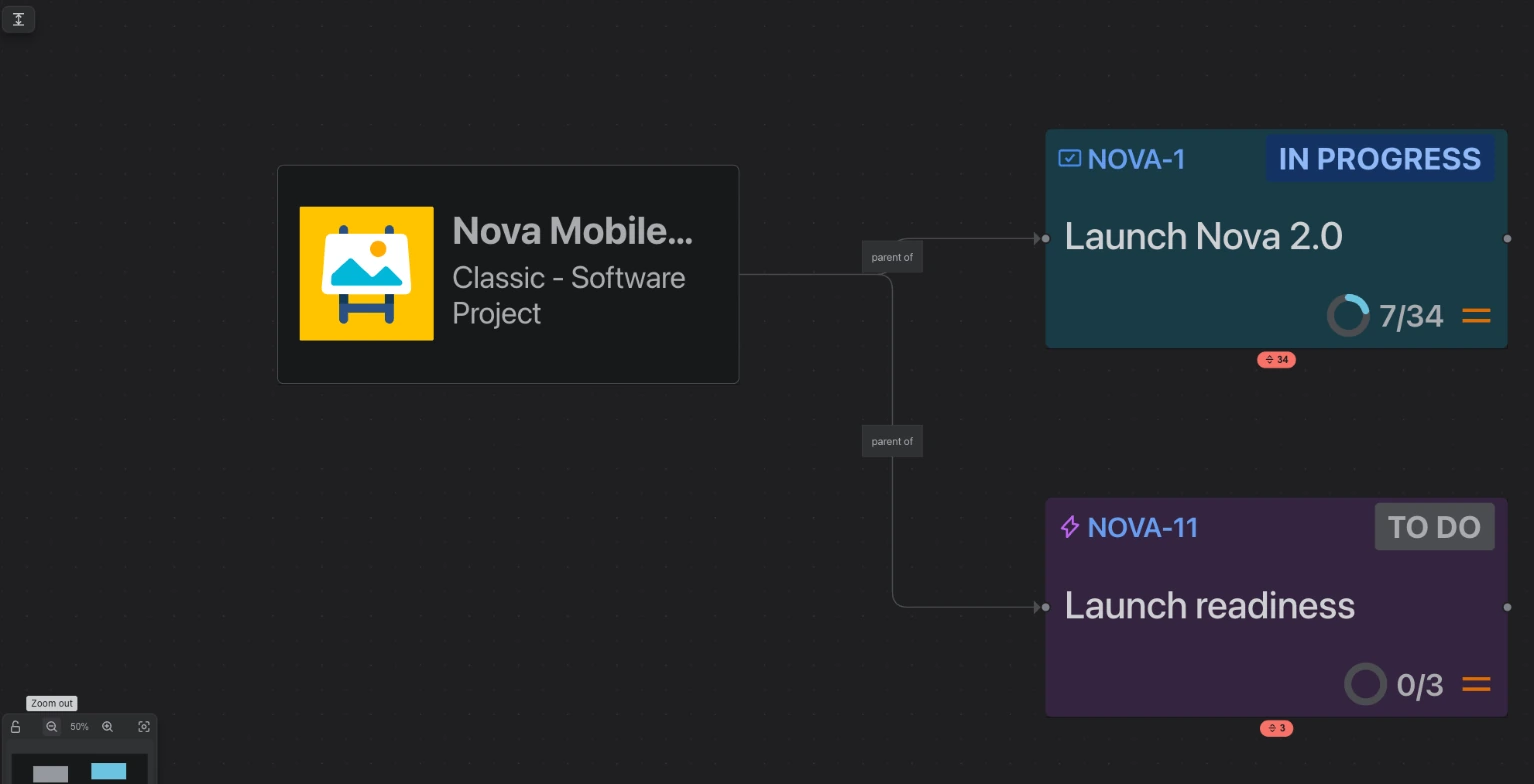
A whole space collapsed to its top level: a handful of cards instead of hundreds.
Work in Jira is nested: an epic holds stories, a story holds sub-tasks, and on some plans initiatives sit above epics. Draw a busy space with everything showing and you get hundreds of cards, which is hard to read. Most of the time you only need one level, for example which epics depend on which.
Visual Backlog can now collapse work into the level above it. A collapsed epic becomes a single card that stands for everything inside it, and the links of the work inside it are still drawn to that card, so no dependency disappears.
How to use it
- Collapse everything to one level. Use the button at the top left of the map. The small arrow beside it lets you pick the level: for example Epic to see only epics, or Story to see everything down to stories. Visual Backlog remembers your choice for each space.
- Open one card. Click the small badge under a collapsed card to see what is inside it, one level at a time.
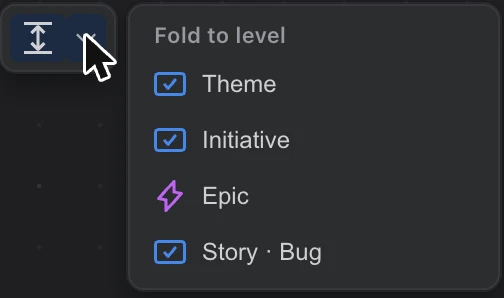
A collapsed card still shows how far along its work is, and the count at the bottom of the map tells you how much is collapsed, for example 27 folded below Epic, so you never wonder where cards went.
Initiatives and other levels above epic
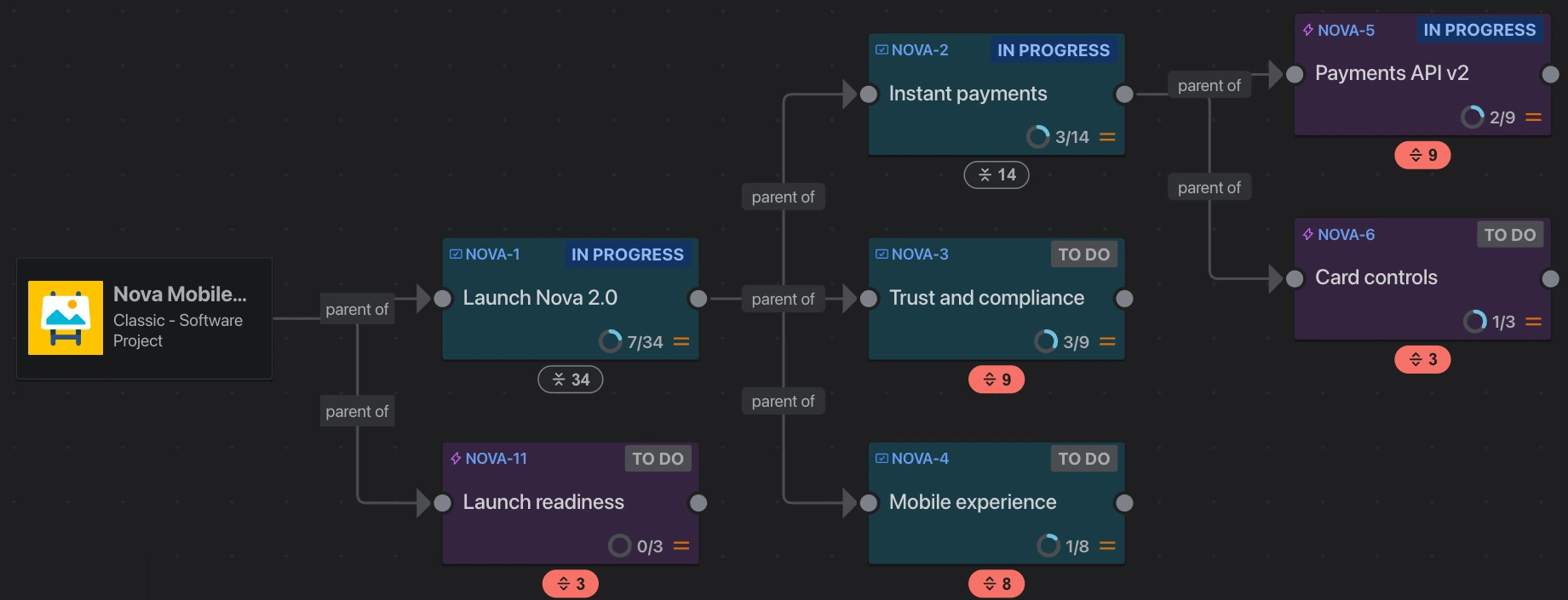
If your Jira plan has levels above epic, such as initiatives or themes, they are now drawn too, each above the work it contains. You can also show or hide work by initiative from the toolbar.
Good to know
- A space with more than 150 work items opens collapsed to its epics the first time, so it is readable straight away.